You paid for a logo, and a folder arrived full of files: SVG, PNG, PDF, maybe EPS and AI, each in several colors. Then the printer asks for “vector”, your web developer asks for “SVG”, and Canva wants a PNG. Which one goes where?
Here’s the short answer. Use SVG for your website, PNG for social media, slides and anywhere you need a transparent background, PDF for printers and sharing with other people, and AI as the editable master your designer keeps updating. Treat EPS as a legacy format: keep it for the odd printer or sign maker who asks for it, but don’t use it day to day. JPG is only for photos and previews, never as your main logo file.
The rest of this guide explains why, with a cheat sheet you can save and a checklist of files to ask your designer for.
What’s the difference between vector and raster logo files?
Every logo file is one of two kinds.
Vector files (SVG, PDF, EPS, AI) store your logo as shapes and curves described by maths. You can scale them from a favicon to a billboard and the edges stay perfectly sharp. Printers, sign makers and embroidery shops want vector files for exactly this reason.
Raster files (PNG, JPG, WebP) store your logo as a grid of pixels. They look sharp at the size they were exported at and blurry or blocky if you stretch them bigger. They’re easy to upload almost anywhere, which is why you still need them.
The rule of thumb: your logo should be designed in vector and exported to raster for the places that need pixels. If the only logo you have is a PNG, you don’t really have the original. You have a picture of it.
Logo file formats at a glance
| Format | Type | Transparent background? | Best for | Avoid for |
|---|---|---|---|---|
| SVG | Vector | Yes | Websites, apps, icons, Microsoft 365 documents | Most commercial print jobs |
| PNG | Raster | Yes | Social media, slides, email signatures, Canva, marketplace listings | Large print, signage |
| Vector (when exported from a vector file) | Yes | Printers, sharing with agencies, brand guidelines | Uploading to websites and social profiles | |
| AI | Vector | Yes | The editable master file in Adobe Illustrator | Sending to people without Illustrator |
| EPS | Vector | No (not supported by the format) | Older print and signage workflows that specifically request it | Office documents, websites, anything modern |
| JPG | Raster | No | Photos, mockups, quick previews | Your logo itself |
When should you use SVG?
SVG (Scalable Vector Graphics) is the vector format built for the web. A single SVG file stays crisp on any screen size, from a phone to a 5K monitor, and the file is usually tiny because it contains drawing instructions rather than pixels.
Use SVG for:
- Your website header and footer. Your developer or website builder will usually ask for it.
- App icons and UI elements, where your designer or developer will export the sizes the platforms need.
- Microsoft Word, PowerPoint and Excel. Microsoft lists SVG as a supported image format in Office 2019, 2021, 2024 and Microsoft 365, so you can drop a vector logo into a pitch deck and it stays sharp when resized.
Where SVG falls short is commercial print. Most printers prefer a print-ready PDF, so don’t send them an SVG unless they ask for one.
When should you use PNG?
PNG is the raster format you’ll use most often, because it supports transparent backgrounds. Your logo sits cleanly on a photo or colored background instead of inside a white box.
Use PNG for:
- Social media profile pictures and posts. Upload a square PNG at a generous size. Profile pictures are cropped to a small circle on most platforms, so a simple mark or monogram usually works better there than a long wordmark.
- Presentations, documents and email signatures when the app doesn’t accept SVG.
- Canva, Shopify, Etsy, Amazon and other platforms that ask for an image upload.
Ask for PNGs at a few sizes (for example 500, 1000 and 3000 pixels wide) and in each color version, so you never have to stretch a small file.
When should you use PDF?
PDF is the safest format for sending your logo to other people. Exported from a vector file, a PDF keeps your logo as sharp vector shapes, and almost anyone can open it without special software.
Use PDF for:
- Printers. Business cards, flyers, packaging and stationery. Ask your printer which PDF settings they want, and send the CMYK version for print.
- Agencies, marketing partners and developers who need a vector file but don’t use Illustrator.
- Brand guidelines, which are usually delivered as a PDF document.
The Library of Congress notes that in many contexts EPS has been superseded by PDF, which is a good summary of where print workflows have gone.
Do you still need an EPS logo file?
Rarely. EPS (Encapsulated PostScript) was developed by Adobe in the late 1980s, and Adobe has said EPS 3.0 is the final version: there will be no further versions of the specification. The format doesn’t support transparency or layers, and web browsers can’t display it.
It has also been dropped by Microsoft Office. Because EPS files can contain embedded scripts and kept being used in attacks, Microsoft turned off EPS insertion in Office with an April 2017 security update. In Microsoft 365 and Office 2019, 2021 and 2024 there’s no way to insert EPS files at all, and Microsoft recommends SVG or EMF instead.
So why do designers still include it? Because some sign makers, embroiderers, promotional-product suppliers and older print systems still ask for it. Keep one EPS in your folder for those requests, and use SVG or PDF for everything else.
What is an AI file, and do you need it?
AI is Adobe Illustrator’s native file, the editable master version of your logo with every layer, color swatch and artboard intact. You don’t need it to use your logo, but you need it to own your logo properly. If you ever hire another designer to adjust the mark, build a sub-brand or create packaging, the AI file (or an equivalent editable vector source) is what they’ll ask for.
Make sure your designer hands it over. Some cheap logo services only deliver PNGs and keep the source file, which means you’d have to pay again for any change. I covered what else should come with a logo in my brand identity checklist.
Which color versions of your logo do you need?
The file format is only half of it. You also need the right color version for each context:
- Full color: your primary logo on a light background.
- Reversed (white or light): for dark backgrounds, photos and dark mode.
- One color black: for single-color printing, stamps, engraving and documents.
- RGB versions for screens (web, social, slides) and CMYK versions for print, because colors shift between the two.
A Pantone reference is worth having too if you plan to print packaging or merchandise, since printers use it to match your brand colors.
Which logo file should you use? A quick cheat sheet
| Where your logo is going | Format to use |
|---|---|
| Website header, footer and favicon | SVG (plus PNG or ICO for the favicon if your platform asks for one) |
| Instagram, LinkedIn, TikTok profile and posts | PNG |
| Pitch deck or Word document | SVG in Microsoft 365; PNG in Google Slides or Canva |
| Email signature | PNG |
| Business cards, flyers, packaging | PDF (CMYK) |
| Shop sign, vinyl, embroidery, merch | PDF or SVG, or EPS if the supplier asks |
| Sending to a new designer or agency | AI (editable source) plus PDF |
| Marketplace and store listings | PNG |
What files should a professional logo package include?
When you hire a designer, ask before you pay which files you’ll receive. A complete logo package should include:
- Vector source file (AI or equivalent), editable
- SVG and PDF of every logo version
- Transparent PNGs in several sizes
- Full color, reversed and one-color black versions
- RGB and CMYK color versions, with HEX, RGB, CMYK and Pantone codes listed
- A short guide or brand guidelines showing which version to use where
If a quote doesn’t mention source files, ask. My guide to how much a logo costs in 2026 shows how different price levels map to what you actually get.
How I handle logo files for clients
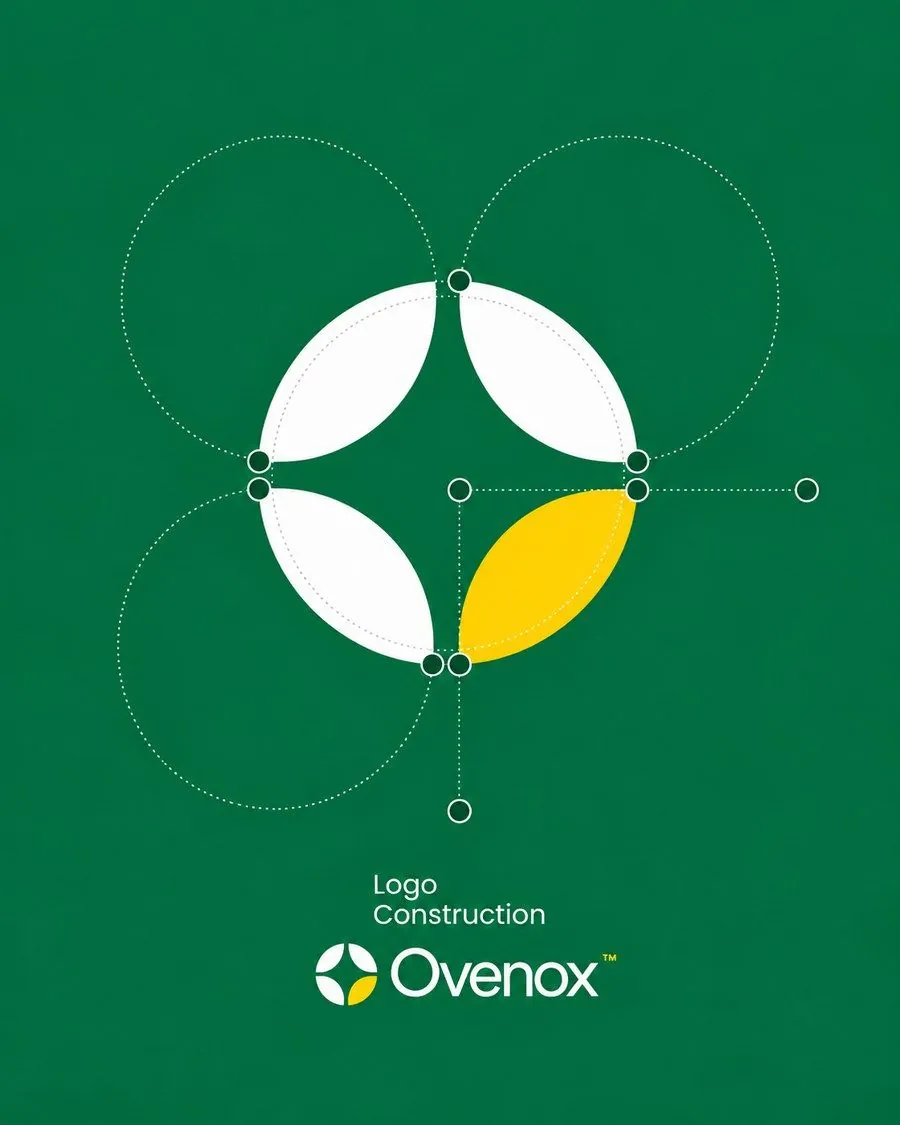
Every logo I design is drawn as vector from the start. You can see the construction behind one of them in the Ovenox case study. When the identity is approved, the logo system is delivered as SVG, PNG and PDF, with the fully editable source files, and the copyright is yours.
The packages are the same whichever files you need:
- Basic, $250: one logo concept with 2 revisions and 2-day delivery.
- Premium Branding, $450: three concepts, full brand guidelines and a social media kit, with 3 revisions and 2-day delivery.
- The Brand Ecosystem, $1,050: strategy, marketing assets and the full identity in 5 business days, with unlimited revisions on the chosen concept.
If a supplier needs an EPS or another specific format, tell me and I’ll export it. You can compare packages in the packages and pricing page or browse recent work.
Every custom logo design package includes the full file set above, ready for web, print and social.
The bottom line
Vector for anything that scales or prints, raster for anything that gets uploaded. In practice that means SVG for the web, PNG for social and slides, PDF for printers, AI as your editable master, and EPS only when someone specifically asks. Get the full set once, in every color version, and you’ll never have to send a blurry logo again.
Sources: Microsoft Support, Support for EPS images has been turned off in Office · Library of Congress, Encapsulated PostScript (EPS) File Format, Version 3.0 · Linearity, Vector file formats explained: SVG, EPS, AI and PDF (2026) · Wikipedia, Encapsulated PostScript

Brand identity designer with 7 years of experience and 46+ brand identities for founders in tech, beauty, fashion, sports and food. Every logo designed by hand. More about me.
Want a logo you actually own?
Human-designed brand identities with full source files and copyright included. First brand board in 48 hours, from $250.